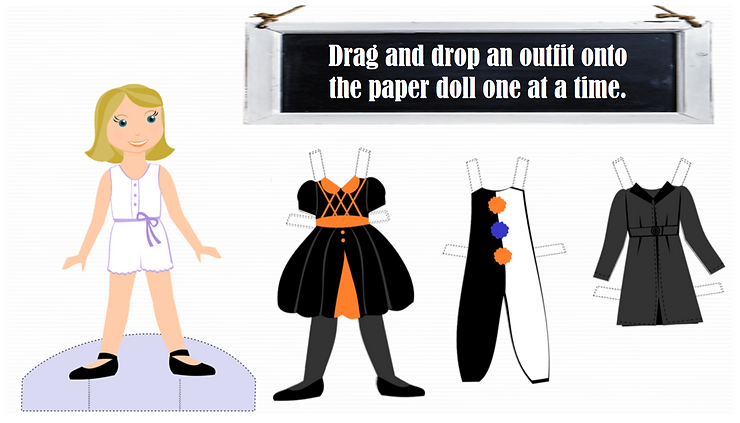
This week’s challenge was to incorporate the paper cutout effect in eLearning. Simply put, you find an image, preferable PNG, and add a free-drawn, slightly oversized white shape behind the image to make it seem like it was cut out of white paper. You then add a shadow, and it gives a mixed media effect. I went a slightly different route with this though because I decided to use paper dolls.
I found these Halloween paper dolls available for free download here.
A little back and forth with PowerPoint and Articulate Storyline… and this is what I put together.
This concept could be used for an eLearning module:
– Introducing or clarifying different company positions and roles.
– Conveying historical facts about the history or founding of a company.
– Modeling the change in company-wide uniforms based on current fashion trends.
If you have any questions, feel free to ask! And I hope you enjoy this week’s example.